TEAC
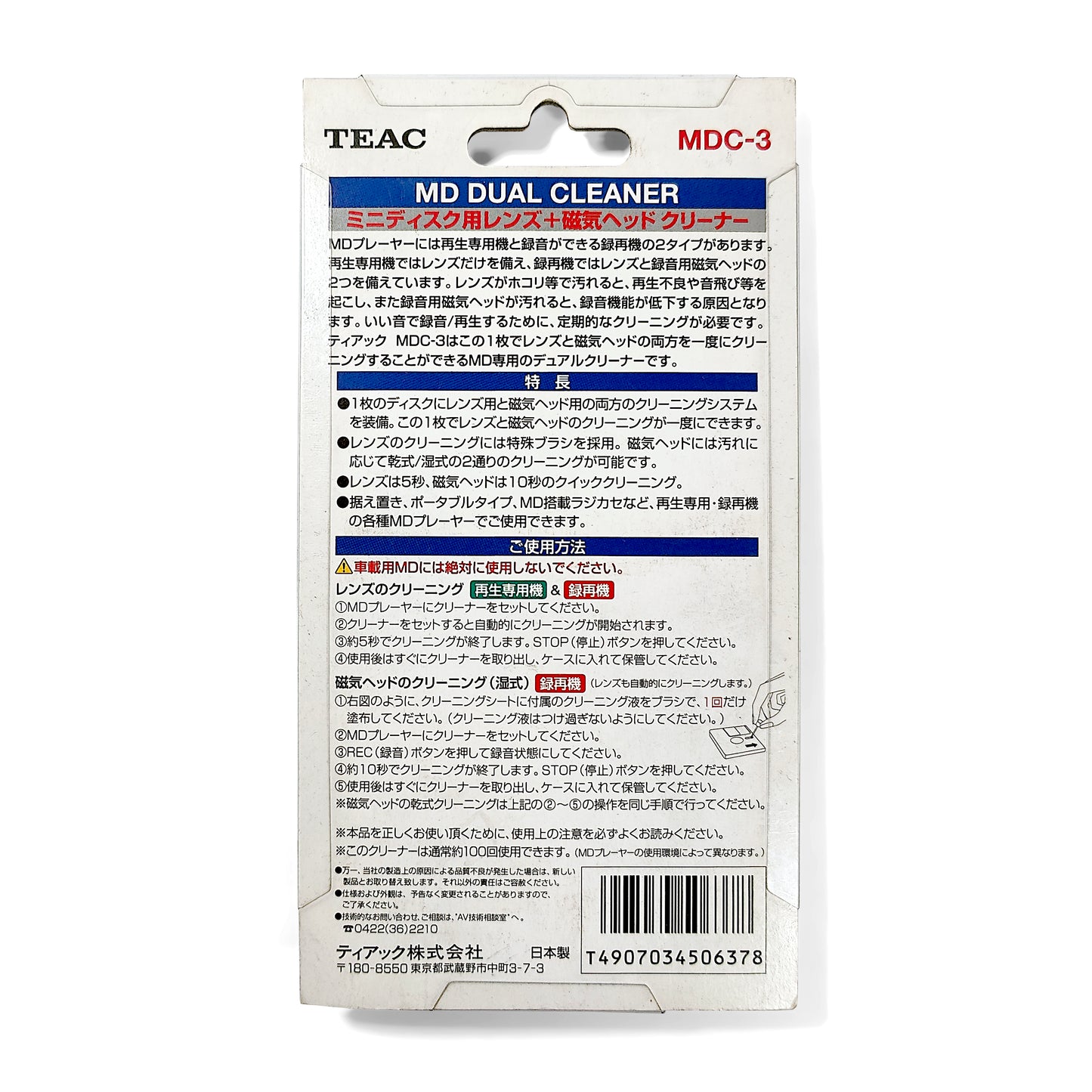
TEAC MDC-3 MD MiniDisc Head & Lens Cleaner
TEAC MDC-3 MD MiniDisc Head & Lens Cleaner
Couldn't load pickup availability
TEAC MDC-3 MD (MiniDisc) Head & Lens Cleaner. Quantity 1. New.
Summary:
Genuine TEAC MDC-3 MiniDisc Head & Lens Cleaner (Japanese). Dry brush type for lens cleaning, and wet type for recording head cleaning.
Disc, case, cleaning fluid, and packaging.
Compatible with all types of MiniDisc players/recorders, but not MD data drives.
The packaging states that it is effective for approximately 100 uses.
Made in Japan.
Product Condition:
New and unopened.
Some marks and scratches on the external plastic packaging.
Instructions for Use (lens cleaning operation only):
1) Place the disc in the MiniDisc device, and wait for it to read the disc contents.
2) That's it; cleaning completed. The brush will clean the lens during the disc read process.
3) If you have a device that automatically plays discs after insertion, stop playback manually.
4) Lens cleaning is completed. Remove the disc and store in the protective case.
Instructions for Use (recording head cleaning operation):
* Ensure the MD recorder is set to start recording from the end of any existing tracks in order to use different sections of the cleaning section of the disc. *
1) Set the MD recorder to SP recording mode.
2) Using the brush, apply one swipe of cleaning fluid into the cleaning channel on the upper face of the disc (the recording head interacts with the upper layer of the disc).
3) Place the disc in the MiniDisc recorder, and wait for it to read the disc contents.
4) Start recording any source.
5) Stop recording after 10 seconds and wait for the device to finish updating the TOC (table of contents) on the disc.
6) Recording head cleaning is completed. Remove the disc and store in the protective case.
** Note that this operation will also clean the lens at the same time **
Hopefully this information is clear and covers everything you need, but don't hesitate to reach out if you have any questions.
Share