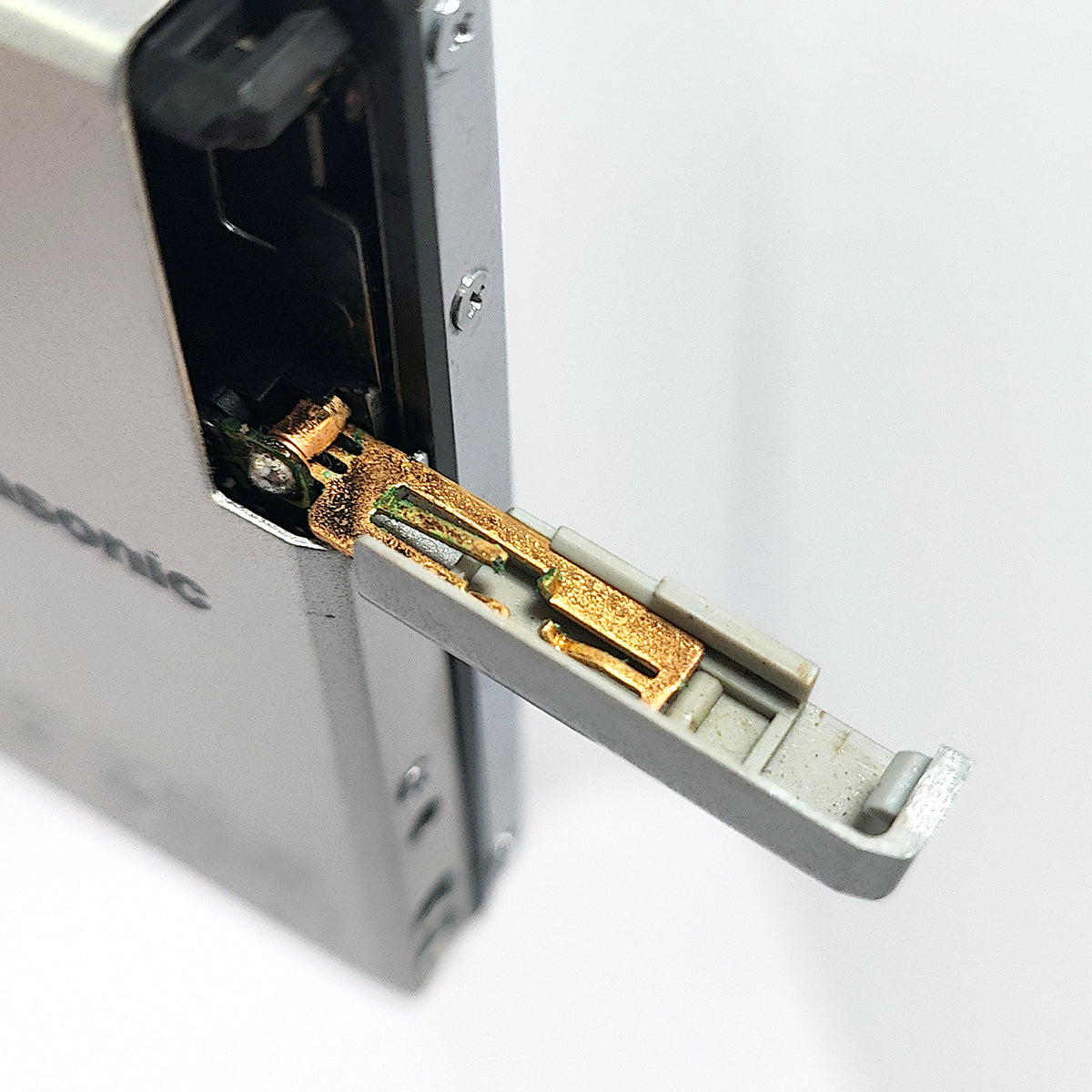
Panasonic SJ-MJ50 portable MiniDisc player. Blue. Quantity 1. Used.
* No other items, batteries, or accessories are included in the sale *
Summary:
Sold for Parts Only/Not Working.
This is a DAMAGED device and may lose some or all of the functionality it had at the time of testing.
Power via a gumstick battery but it reports NO DISC after inserting a disc.
Product Condition (Appearance):
Front Face : A few faint marks or scratches.
Sides : No callouts.
Rear Face : One or two faint marks. Some printed text has worn away.
Internal Battery Compartment : No callouts.
All external facing screws present and tightened.
Product Condition (Functionality):
Power via a gumstick battery but it reports NO DISC, even after inserting a disc.
Power Via Rechargeable Gumstick Battery : OK * Not supplied *
Power Via External AA Battery Case : NOT TESTED * Not supplied *
Power Via Speaker Dock / Charging Stand and AC Adapter : NOT TESTED * Not supplied *
Audio Output Via Headphone Jack : NOT TESTED
Audio Output Via Speaker Dock : NOT TESTED
Disc Playback : NOT TESTED
Volume Down : NOT TESTED
Volume Up : NOT TESTED
Next Track : NOT TESTED
Previous Track : NOT TESTED
Play / Stop : NOT TESTED
Hold : NOT TESTED
Disc Insert : OK (To insert a disc, simply push it into the device in the correct orientation)
Disc Eject : OK (To eject a disc, push the EJECT lever down)
Product Information:
Released in 2001, the Panasonic SJ-MJ50 is dedicated to disc playback, and does not have disc recording functionality.
It supports MDLP.
It was originally sold with a speaker / battery charging stand. Playback via the speakers is possible using only a gumstick battery, and does not require an AC adapter.
It weighs 70 grams without a battery or disc installed.
It has a 3.5 mm headphone jack for audio output.
*** Note that an AC adapter is only required in order to charge a gumstick battery when the player is mounted in the speaker dock. ***
**** Note that the external AA battery case can be connected directly to the player itself, or to the left-side of the speaker dock. ****
***** To connect to the speaker dock, first detatch any accessories (inline remote control, external AA battery case), then place in the speaker dock, aligning the left-side of the player with the left speaker first. Once inserted between the speakers, slide the JOINT section on the back of the speaker dock across to the right, then tighten the holding screw via the wheel (roll upwards) on the opposite side of the dock. Reverse this process to remove from dock. *****
Hopefully this information is clear and covers everything you need, but don't hesitate to reach out if you have any questions.